Quickstart
Build a small todo app and learn the core Gova patterns along the way.
This page walks through a working todo application. Every concept it uses is covered in depth later in the docs; the goal here is to see how the pieces fit together.
The model
The model is plain Go. Gova does not require special base classes or macros.
A State[Model] holds the entire application state. Pure functions mutate a
copy of the model; the state broadcasts the change.
The view
The root view is a closure component: a call to Define. Any state declared
inside the closure is keyed by call site, so rerenders reuse the same
StateValue.
What to notice
State(s, initial)twice, no keys. Each call site is its own identity; the framework walksruntime.Callerso you never write string keys.DerivedListandDerived. Both return reactive values that track the model.DerivedList[M, T]returns a*StateValue[[]T]you can pass toList;Derived[T, U]returns aSignal[U]thatTextaccepts directly.Scaffoldwith.Top()and.Bottom(). Border-style layout without the ambiguity of positional arguments..Grow()on theTextField. Inside anHStack, the grow child fills the remaining horizontal space; siblings pack at natural size.Toggle(todo.Done). Toggles accept either a*StateValue[bool]or a plainbool. Inside aListrow the latter is usually what you want because the list item is transient.
Running the app
Save the file and run go run .. You should see a window with a title, an
input with an Add button, and a scrolling list of todos below. Try adding,
toggling, and deleting. Resize the window to confirm the input grows with it.
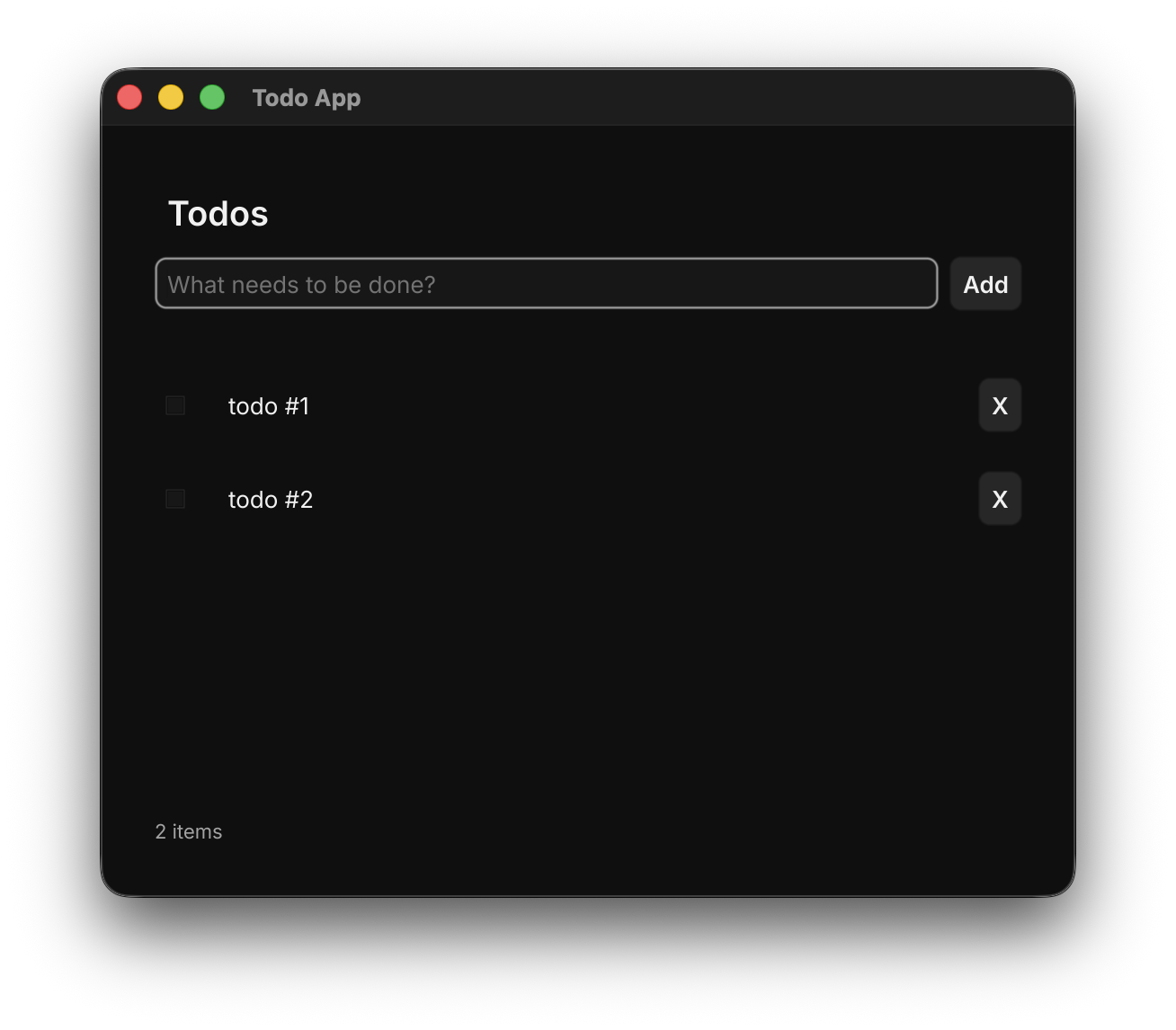
The finished todo app, a single Go file, native window.
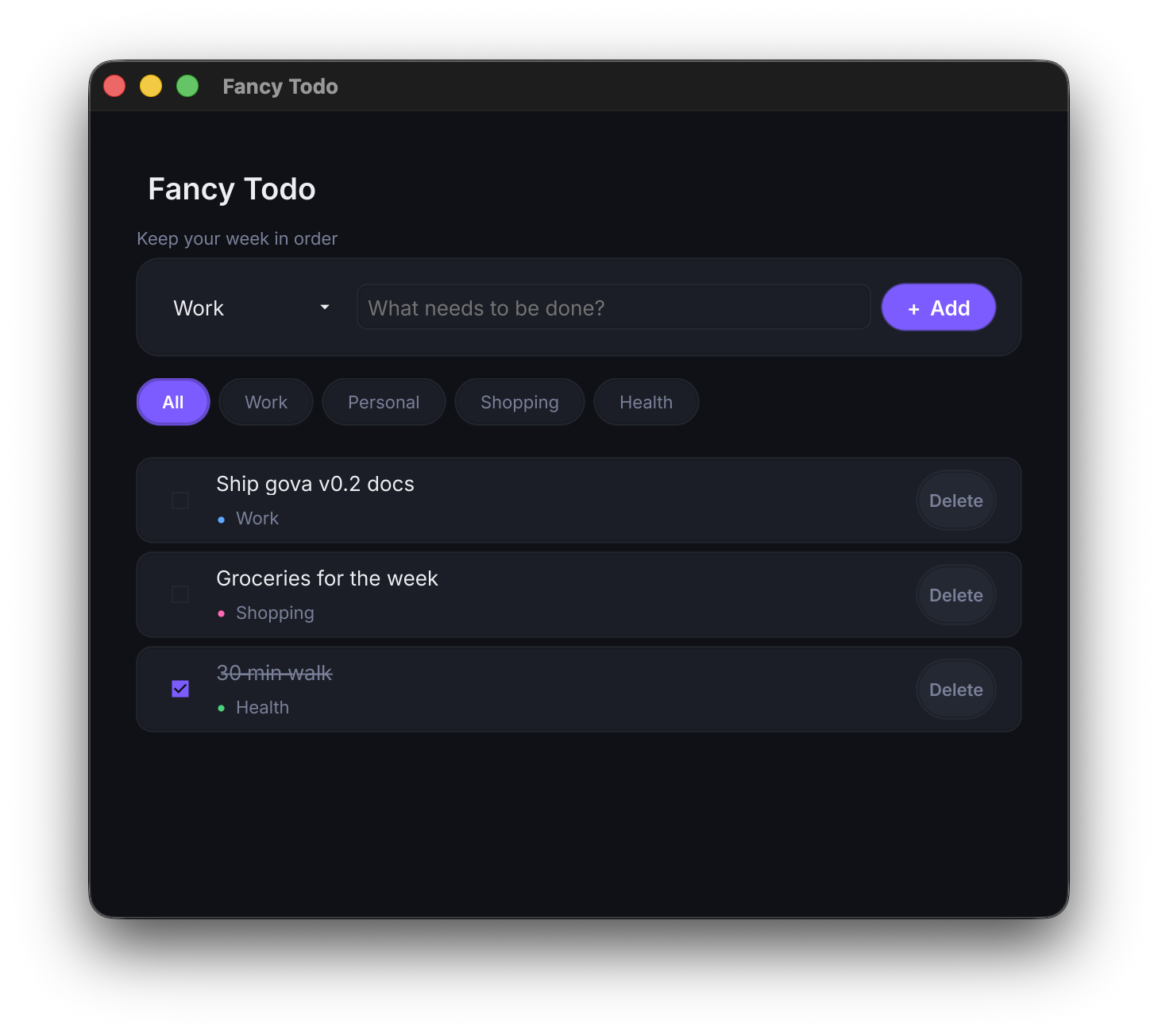
Want a richer take on the same idea: categories, filters, custom theme? See
examples/fancytodo.
Once this is working, continue with Core concepts to learn
what View, Viewable, and Scope mean precisely.